Event photography, that sells photos while the mood is still alive.
Whether it's a company party, trade show, or mini session day: attendees book their slot, find their photos via a QR code, and buy them while the event is still fresh.
Time slots · Online booking · Payment · Gallery per booking
Sign up for free · Try all features for 14 days

What happens in the video
- Photographer? Event shot – what's next?
- "Where can I find yesterday's photos?" – "Will they be sent by email?" – "I also have some great phone photos!" – "Send them to me on WhatsApp …" – "Can I get a photo for LinkedIn?" – "I'll send you a link soon."
- A hundred guests. A hundred requests. There's an easier way.
- One QR code for all guests: Place cards · Table displays · Invitations
- Guests upload their photos: No app · no account · from their phone
- One gallery for everyone: Your shots + guest photos
- One gallery for everyone. – Printable QR place cards · Guest upload without an app · Approval before publishing · Storage per gallery · Download in multiple sizes · Sell photos
- All photos. One QR code. Your shots and your guests' – in one place, ready to sell.
Here's how it works
-
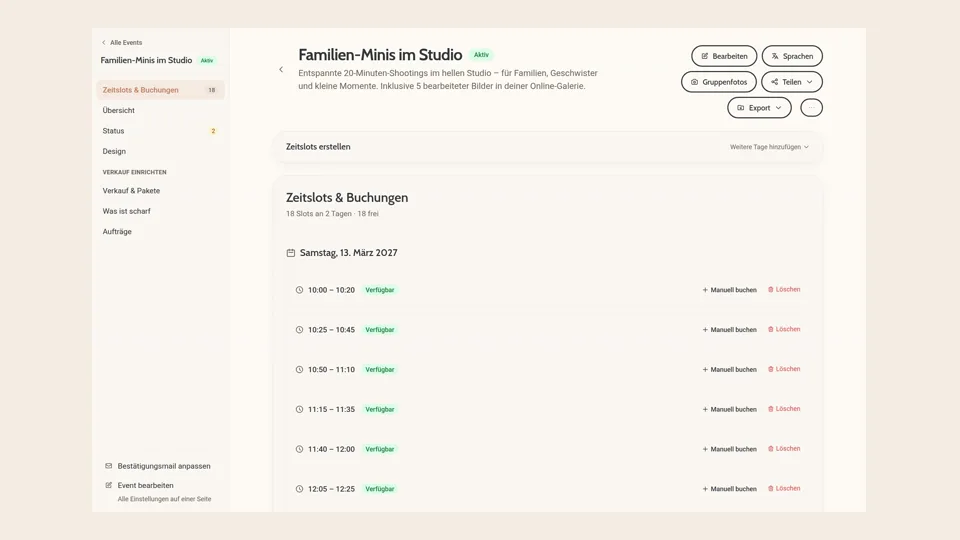 1
Create event and slots
Enter days, times, and slot length — all time slots are created at once, plus an event page with schedule and prices.
-
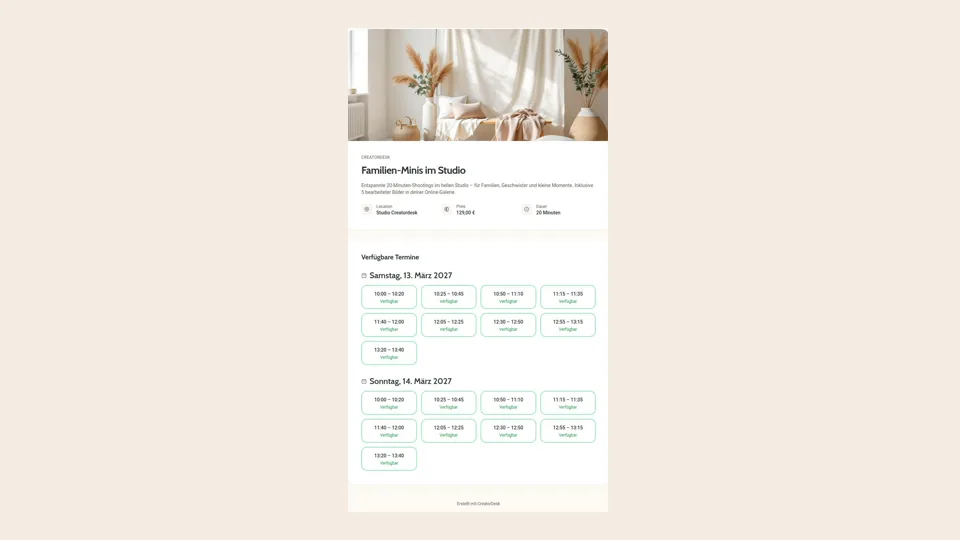 2
Participants book and pay
Choose a slot, enter your details, and pay directly at registration — no back-and-forth messages.
-
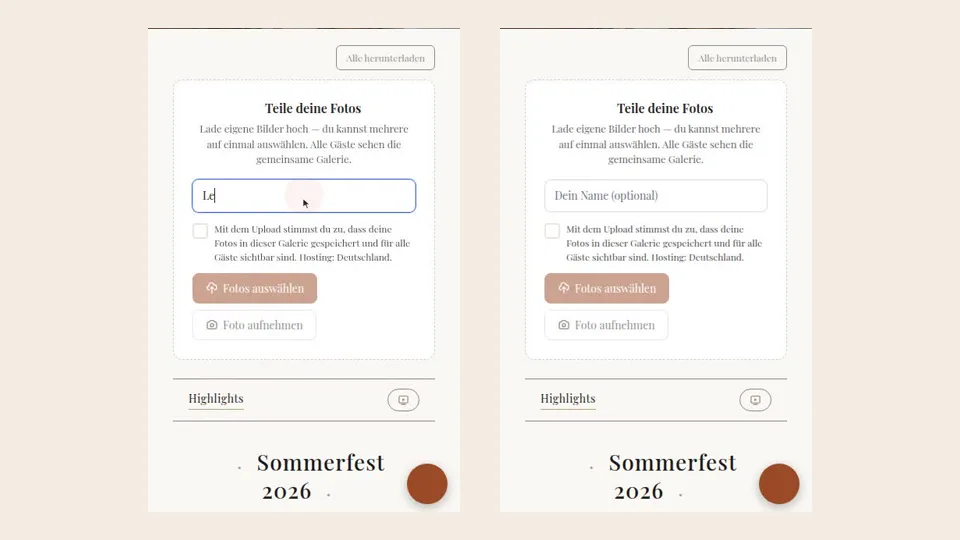 3
One gallery for everyone
Guests scan the QR code and add their photos – no app, no account required. You decide what gets published.
Christmas minis: More time for Christmas.
Set up your Advent dates now: slots in seconds, families book themselves, and after the shooting every family gets their own gallery with a Christmas design.
Sound familiar?
Photos arrive too late
A week after the event, hardly anyone is still interested in the photos. Sales need to start while the memory is fresh.
Who was who?
Hundreds of attendees, no names. Without a match, no one can find their photos.
Every event needs its own page
Schedule, registration, pricing: building a website for every event just isn't worth it.
How CreatorDesk solves it
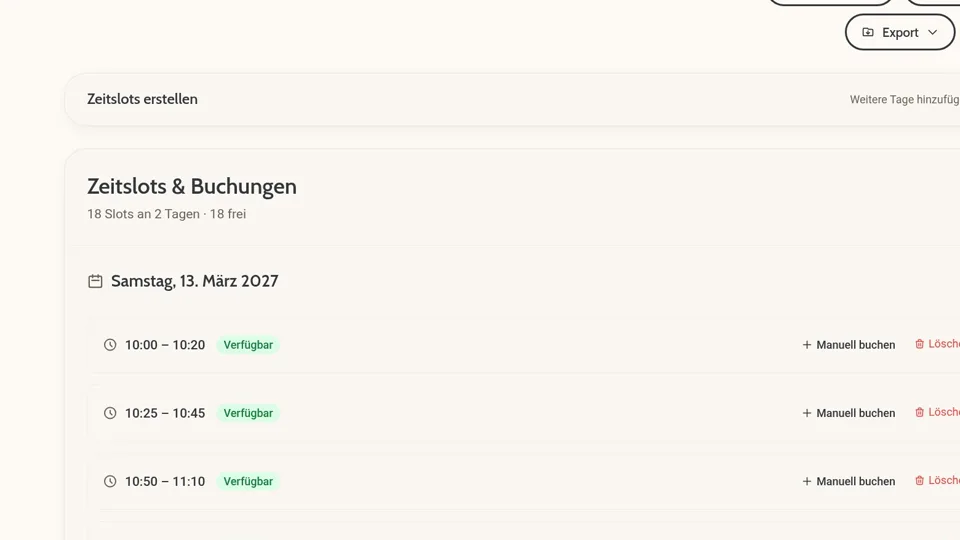
Shooting events
Time slots, spots, payment at registration, and an automatic gallery per booking.
Learn more →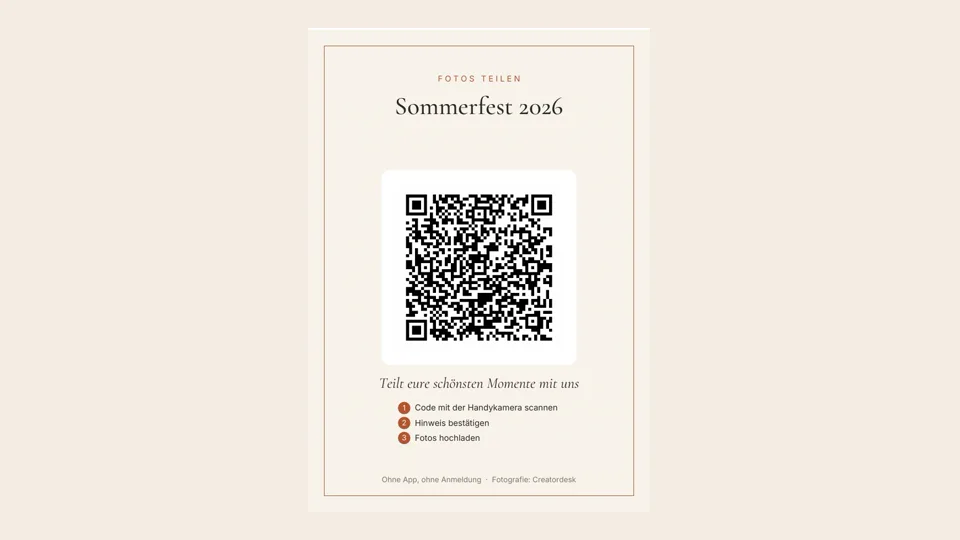
Guest gallery with QR code
A QR code takes attendees to their photos, guests can upload their own shots.
Learn more →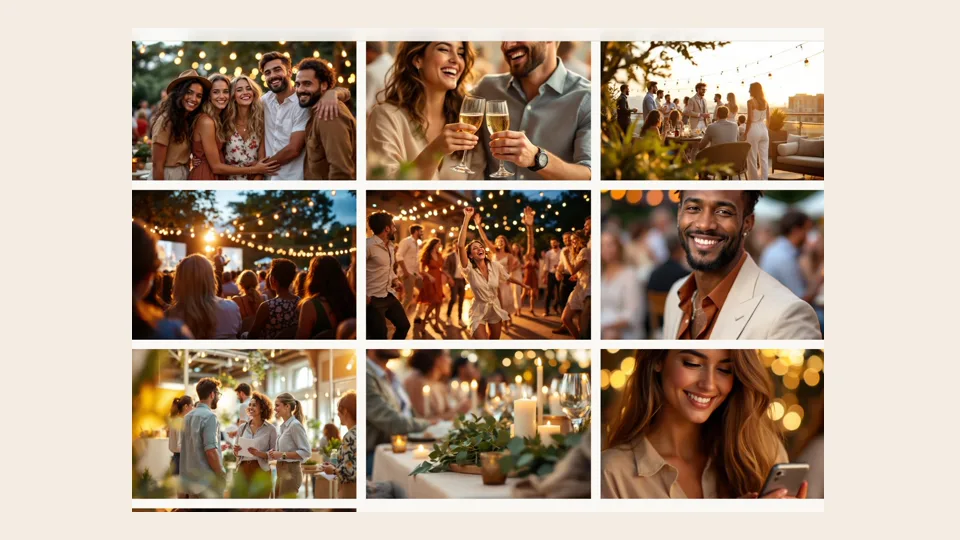
Instant sales
Individual photos, packages, and prints directly in the gallery, with no commission.
Learn more →
Landing Page
One page per event with schedule, pricing, and registration.
Learn more →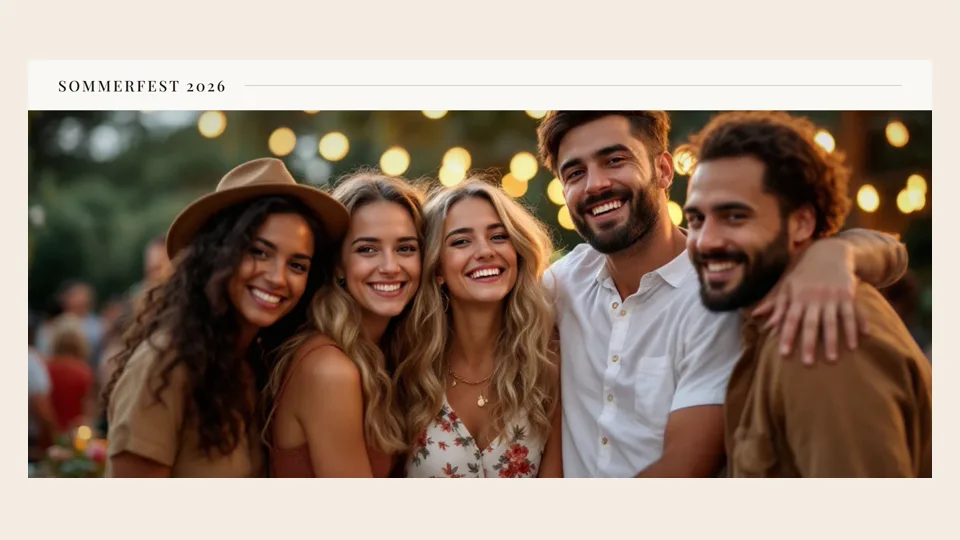
Online gallery
Fast uploads, downloads in multiple sizes, your brand's look.
Learn more →From the guide
Weihnachts-Mini-Shootings 2026 planen: aus wenigen Tagen ein profitables Event machen
Im August klingt es absurd – aber jetzt entscheidet sich, ob deine Weihnachtsaktion profitabel wird oder im Dezember im Chaos endet. Der …
QR-Code-Bestellung in der Kita- und Schulfotografie
Bestellzettel, Bargeld in Umschlägen, falsch zugeordnete Bilder – die klassische Kita-Fotografie ist organisatorisch anstrengend. QR-Codes lösen das: Jedes Kind bekommt seinen eigenen …
Bilder online verkaufen als Fotograf: so funktioniert der Galerie-Shop
Die Bildübergabe ist nicht das Ende, sondern eine Verkaufschance. Dieser Beitrag zeigt, wie du als Fotograf:in mit einem Galerie-Shop Abzüge, Alben und …
Frequently asked questions
How do attendees find their photos?
Via a QR code at the event or a link from the booking confirmation. For booked slots, a separate gallery is automatically created for each booking.
Can I start selling right after the event?
Yes. As soon as the photos are uploaded, attendees can buy individual photos, packages, or prints in the gallery. CreatorDesk takes no commission.
Can guests contribute their own photos?
Yes, via the guest gallery: Guests upload via QR code — no app, no account needed. Optionally, photos only appear after your approval.
More solutions: Wedding · Family & Newborn · Business Portrait · School & Nursery · All functions
Which plan?
- CreatorDesk Business
- Event bookings with time slots, payment at registration, and an automatic gallery per booking.
- CreatorDesk Pro + Add-on
- With the "Shooting Events" add-on, you also get event bookings in Pro.
- Galerie Studio
- QR guest gallery: Guests find their photos via QR code and upload their own pictures.
Try free for 14 days — with all Business features.
Your next event sells for you.
Sign up for free and test all features for 14 days.